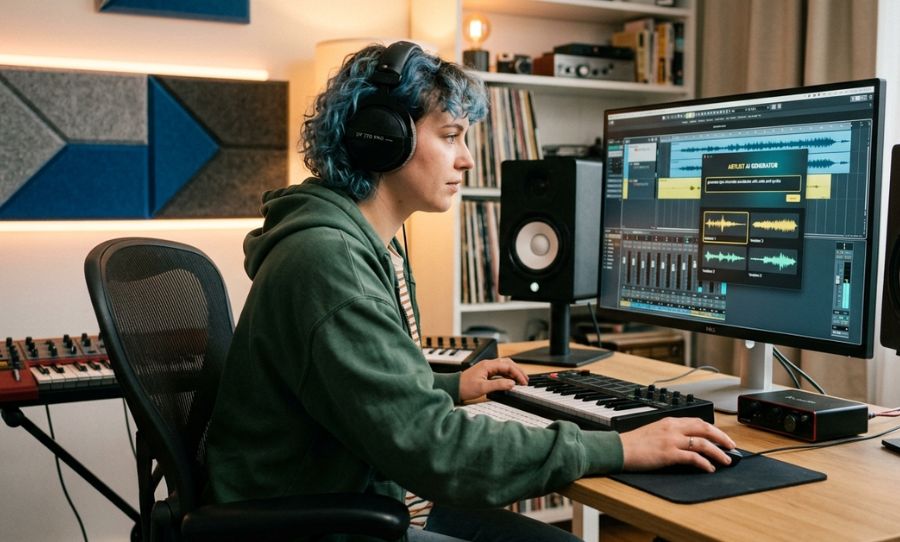
How to generate custom, commercially safe music inside Artlist’s new AI toolkit
Artlist has officially introduced AI music generation into its platform, offering creators a powerful way to build custom soundtracks without starting from scratch in a DAW or spending hours digging through stock libraries.
The feature sits inside the Artlist AI Toolkit and is designed to generate short, production-ready music that can be used directly in video projects, with full commercial licensing already included.
What the AI Music Tool Does
The generator allows you to create original tracks by simply describing the sound you want. Instead of browsing for pre-made songs, you are briefing a virtual composer to build one from scratch.
You can guide the AI using three core pillars:
Mood: (e.g., Cinematic, uplifting, tense, calm)
Genre: (e.g., Electronic, orchestral, indie, ambient)
Use Case: (e.g., Travel vlog, thriller trailer, tech explainer)
The system builds a track designed to fit that specific brief, typically up to a few minutes long, and ready to drop into your timeline.
How to Use Artlist AI Music Generation: A Step-by-Step Guide
1.Open the Artlist AI Toolkit
Log into Artlist and navigate to the AI Toolkit section. Select the Music tab to begin a new session.
2.Write a “Director’s Brief” Prompt
To get the best results, think like a filmmaker briefing a composer. Avoid vague terms like “cool song.” Instead, use the [Genre] + [Mood] + [Instrument] formula:
“Uplifting indie pop with acoustic guitar for a travel vlog.”
“Dark cinematic tension with heavy strings for a thriller trailer.”
“Minimal ambient synth for a clean tech explainer.”
3.Generate and Preview
The tool will produce a track based on your prompt. If it isn’t perfect, don’t start over—simply tweak one keyword (e.g., change “heavy strings” to “deep bass”) to steer the AI toward the finish line.
4.The “Reference” Power Move
For maximum accuracy, you can often upload a reference image or video clip. The AI will analyze the visual “mood” and color palette to generate a track that feels natively composed for your footage.
5.Download with Total Peace of Mind
Once you’re happy, export the track. Because it’s built inside the Artlist ecosystem, the track is Royalty-Free Forever and cleared for commercial use under your existing subscription terms.
A Practical Way to Think About It
Treat this tool as a creative assistant, not a replacement for high-end music production. It is most effective at the “I need something that feels like this” stage—perfect for social content, fast-turnaround edits, or creating a specific “vibe” that stock libraries might be missing.
It’s less about creating a chart-topping hit and more about getting usable, mood-matching audio quickly without the legal headaches of traditional AI tools.